Service guide · Dashboard & Warning Lights
Modern vehicles are packed with smart technology, and that means more dashboard symbols than ever. When one pops up unexpectedly, it’s easy to wonder whether it’s something simple or something that needs attention right away. At Boucher Chevrolet of Waukesha, drivers in Waukesha, WI, often ask what certain lights mean and when to schedule service. And honestly, who hasn’t had a moment where a random icon lights up and makes you think, “Was that always there?”
This guide breaks down the most common Chevy dashboard symbols and meanings, what different colors indicate, and why staying ahead of warning lights keeps your vehicle running smoothly.
Key takeaways
Think of dashboard colors like a traffic signal — each color tells you how urgently to act.
Green & Blue
System active
Confirms a feature is turned on and operating normally. No action needed.
Yellow & Orange
Needs attention soon
A system isn’t performing at its best. Not an emergency, but shouldn’t be ignored.
Red
Immediate action required
Stop as soon as it’s safe and address the issue. Driving further may cause damage.
Chevrolet vehicles use a mix of universal and brand‑specific symbols to communicate system status. Some lights simply confirm a feature is on, while others warn of mechanical or safety concerns.
Here’s a breakdown of the symbols drivers ask about most. Many of these Chevrolet warning lights relate to advanced driver‑assistance features, which means they may appear more often depending on driving conditions. For example, Lane Keep Assist or Adaptive Cruise Control might flash or turn gray if sensors are blocked by snow, dirt, or heavy rain. Mechanical warnings—like Engine Oil Pressure or Coolant Temperature—are more serious and usually require immediate attention. Understanding the difference helps drivers stay confident behind the wheel.

The system can’t detect lane lines
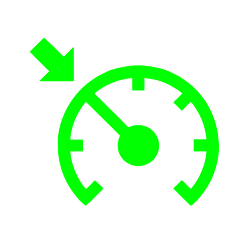
The feature is active

Following distance issue or sensor blocked

System unavailable due to conditions

Driver fatigue detected
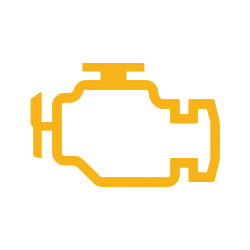
Engine or emissions issue
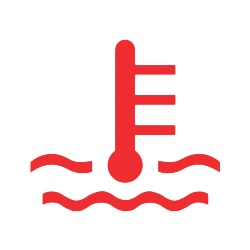
Engine overheating
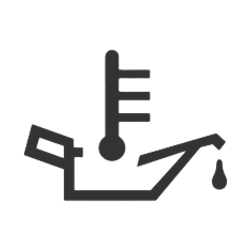
Low oil pressure — stop soon
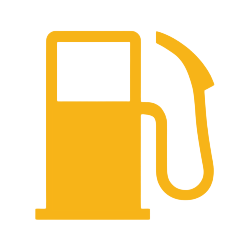
Fuel level low
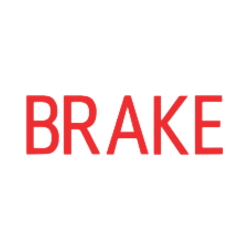
Parking brake engaged or brake issue
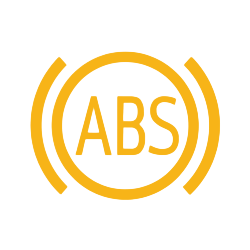
ABS malfunction
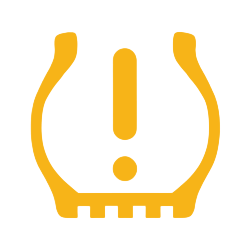
Low tire pressure detected
Is it safe to drive when a dashboard light comes on?
It depends on the color and the symbol. Green and blue lights are harmless. Yellow or orange lights usually allow continued driving but should be checked soon. A red Engine Oil Pressure light means the engine isn’t being lubricated properly — driving further could cause serious damage. Even systems like Super Cruise can display warnings if sensors are obstructed. Addressing issues early helps prevent bigger repairs later.
Boucher Chevrolet of Waukesha
Scheduling a quick service check is one of the easiest ways to get peace of mind. Our team is always here to help you navigate your Chevy’s warning lights with confidence.
A flashing Check Engine light usually indicates a more serious engine misfire and should be checked immediately — more urgent than a steady light.
Cold temperatures reduce air pressure, which can trigger the warning even if the tire isn’t damaged. Try inflating to the recommended PSI and see if the light clears.
Gray typically means the system is present but not currently available due to conditions or settings — often caused by sensor blockage from snow, dirt, or heavy rain.
A red Brake System light means the parking brake may be engaged, or there’s a brake issue that needs immediate attention. Don’t ignore it.
This symbol indicates the engine is running too hot. Pull over safely as soon as possible and allow it to cool — overheating can cause serious engine damage if ignored.


